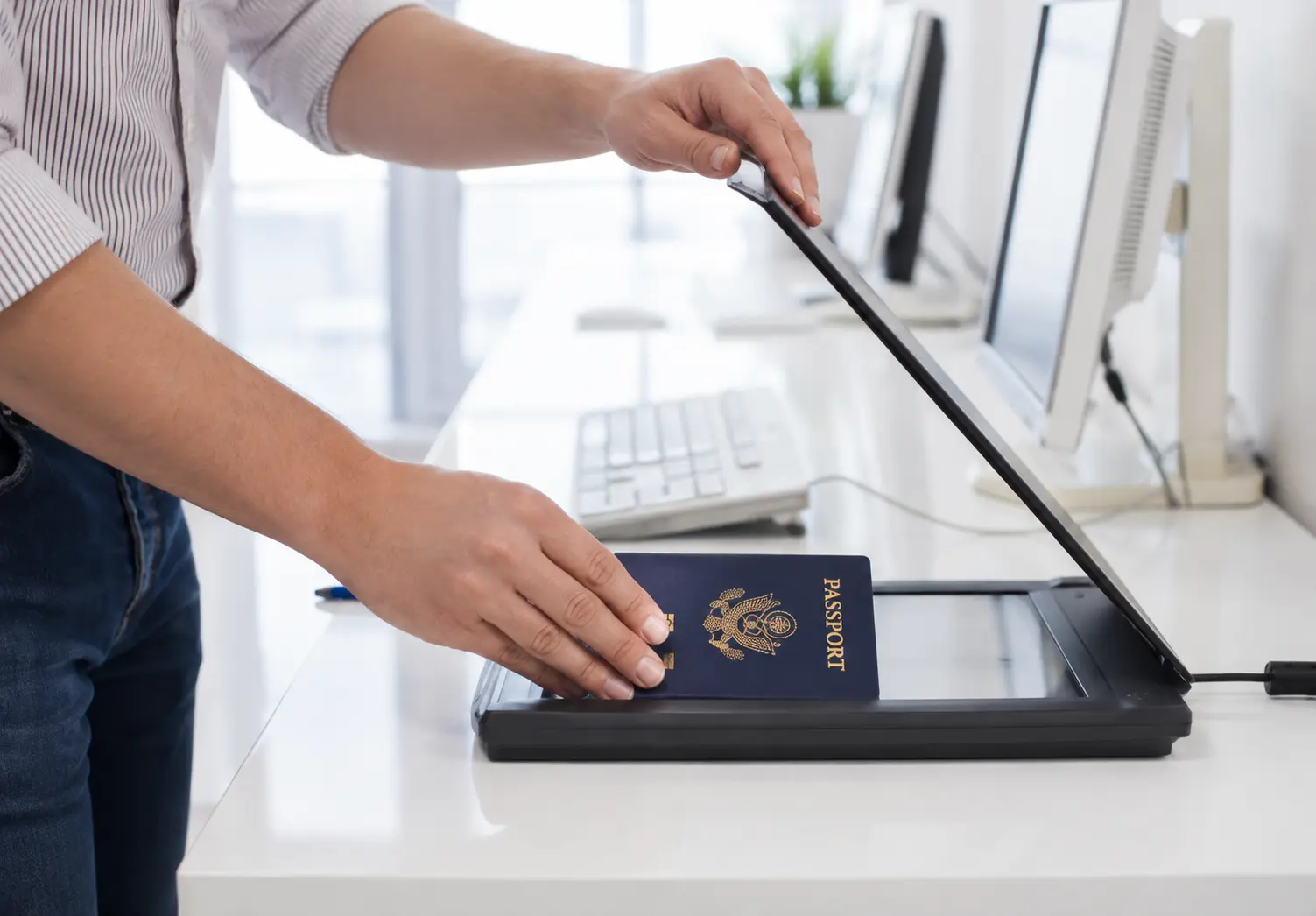
The short answer: a copy of your ID is not a master key to your identity, but it is sensitive information that can make impersonation attempts more convincing.
What someone can do with it depends on the document, the information visible, the country, and what other details they already have. A passport scan alone will not automatically open every account or pass every identity check. It may still be used alongside an email address, phone number, proof of address, or financial information.
What an ID copy reveals
Depending on the document, a copy may show your name, photograph, date of birth, nationality, signature, address, document number, expiry date, and machine-readable information. Some identity documents also contain national identification numbers.
That information can be used to make a scam more credible, impersonate you when contacting a service, or support an application for a bank account, loan, rental, job, phone contract, or other service. Whether an attempt succeeds depends on the organisation’s identity checks. Stronger checks may require a live interaction, a one-time code, a liveness check, a digital signature, or a match against authoritative records.
Academic research treats identity-document images as an attack surface because genuine portraits, signatures, and text can be copied or altered in digital documents. That does not mean every copied ID will be misused. It means a scan should be treated as sensitive personal data, not as an ordinary attachment. Research on identity-document security explains the issue without assuming that misuse is inevitable.
The risk is also about loss of control
An ID copy can create harm even when no fraud follows. It may remain in an inbox, be downloaded to a personal laptop, be forwarded internally, copied into a shared folder, or be kept after the original purpose has ended.
That is why the organisation receiving the copy matters. In 2025, Italian authorities warned after tens of thousands of high-resolution identity-document scans used for hotel check-in were stolen from hospitality facilities. The incident does not mean hotels cannot process identity documents. It shows why copies need controlled access, retention limits, and secure deletion. AgID’s notice provides the relevant context.
What to do before sharing a copy
Ask why the copy is needed and what information the recipient actually requires. Verify the request through the organisation’s official website or a phone number you found independently. Ask how the copy will be protected, who can access it, how long it will be kept, and how it will be deleted.
Then share the minimum necessary information. Redact fields that are not needed if the recipient confirms that the redaction is acceptable. Do not assume that every requester needs a full-resolution copy of both sides of an identity document.
The Dutch government recommends asking what information is necessary, obscuring unnecessary details, and adding a watermark with the purpose and date. Its KopieID app guidance gives a practical example of this approach.
Why add a watermark?
A visible watermark can say:
For [organisation] — [purpose] — [date]
Place it over the copy without hiding information needed for verification. The purpose is to keep the document usable while making the intended use clear and discouraging reuse in another context.
Watermarking may also make an unauthorised copy easier to attribute. Thales describes watermarks as one part of the wider security architecture used around identity documents. For ordinary copies, the practical lesson is limited but useful: marking the recipient and purpose adds accountability. It does not replace encryption, access controls, or careful verification. Thales’ identity-document security overview provides background on layered document security.
French data-protection guidance similarly identifies watermarking, encryption, strict permissions, access logging, and appropriate destruction as measures that can be used when identity-document copies must be retained. CNIL guidance is a useful reference.
If you have already shared your ID copy
Do not assume that fraud has occurred. Contact the recipient through a verified channel and ask them to confirm the purpose, who accessed the copy, how long it will be retained, and how it will be deleted.
Keep a note of what you sent, when you sent it, to whom, and for what purpose. Monitor relevant accounts and messages for unusual activity. If the copy was sent to the wrong person, request deletion promptly. If you see evidence of impersonation or fraud, contact the affected organisation and the appropriate reporting authority in your country.
Replacing your identity document is not automatically necessary every time a copy is shared. Ask the issuing authority what action is proportionate to the document and the circumstances.
How CVOR Guard helps before you share
CVOR Guard helps you prepare a document before it leaves your device. You can add recipient and purpose context to a copy of an ID, passport, bank statement, or other sensitive document before sharing it.
That watermark can discourage casual forwarding and make the copy’s intended use clearer. It is a practical privacy measure for people who need to provide documents but want to retain more control over each copy.
Watermarking is not a guarantee against misuse. Use it alongside verification, minimisation, secure transfer, and sensible deletion. Learn about CVOR Guard recipient watermarking →
Sources
- Government of the Netherlands: secure ID copies with KopieID
- AgID: stolen identity documents from hotels
- CNIL: identity-document copy safeguards
- Identity-document security forensics research
- Thales: identity-document security features
CVOR Guard helps you add recipient and purpose context before sharing sensitive documents.
Explore CVOR Guard →Frequently asked questions
Can someone open a bank account with a copy of my ID?
An ID copy may support an impersonation attempt, but it is not normally enough on its own. Financial institutions and other services usually perform additional checks.
Should I watermark a copy of my passport or identity card?
If the copy is necessary, a visible watermark stating the recipient, purpose, and date can discourage reuse and make an unauthorised copy more attributable. It does not replace redaction or secure handling.
What should I do if I sent my ID copy to the wrong person?
Contact the recipient through a verified channel, request deletion, keep a record of what was sent, and monitor for unusual activity. Report suspected fraud to the relevant authority in your country.
Is a watermark enough to protect an ID copy?
No. A watermark is a deterrent and accountability measure. It does not encrypt a file, revoke a copy, prevent screenshots, or prove that the recipient is trustworthy.