Requests chase themselves.
CVOR issues the request, sends the reminders, and checks what came back against what was asked for. Nobody keeps a spreadsheet of who still owes what.
14 Aug 09:12 reminder sent REQ-4471 system
Governed Document Custody
Request passports, payroll files and contracts in one place, and keep a record of who asked, who sent them and who opened them — instead of chasing documents through email and WhatsApp.
How it works
The operational workflow teams understand. The governance layer compliance teams require.
Create structured requests for passports, proof of address, payroll records or regulated evidence.
No email attachments. No WhatsApp images. Every upload encrypted, tracked and attributable.
Retention policies, access controls and audit logs follow every document automatically.

The platform
From the first document request to final retention — every step tracked, every access controlled, every record accounted for.
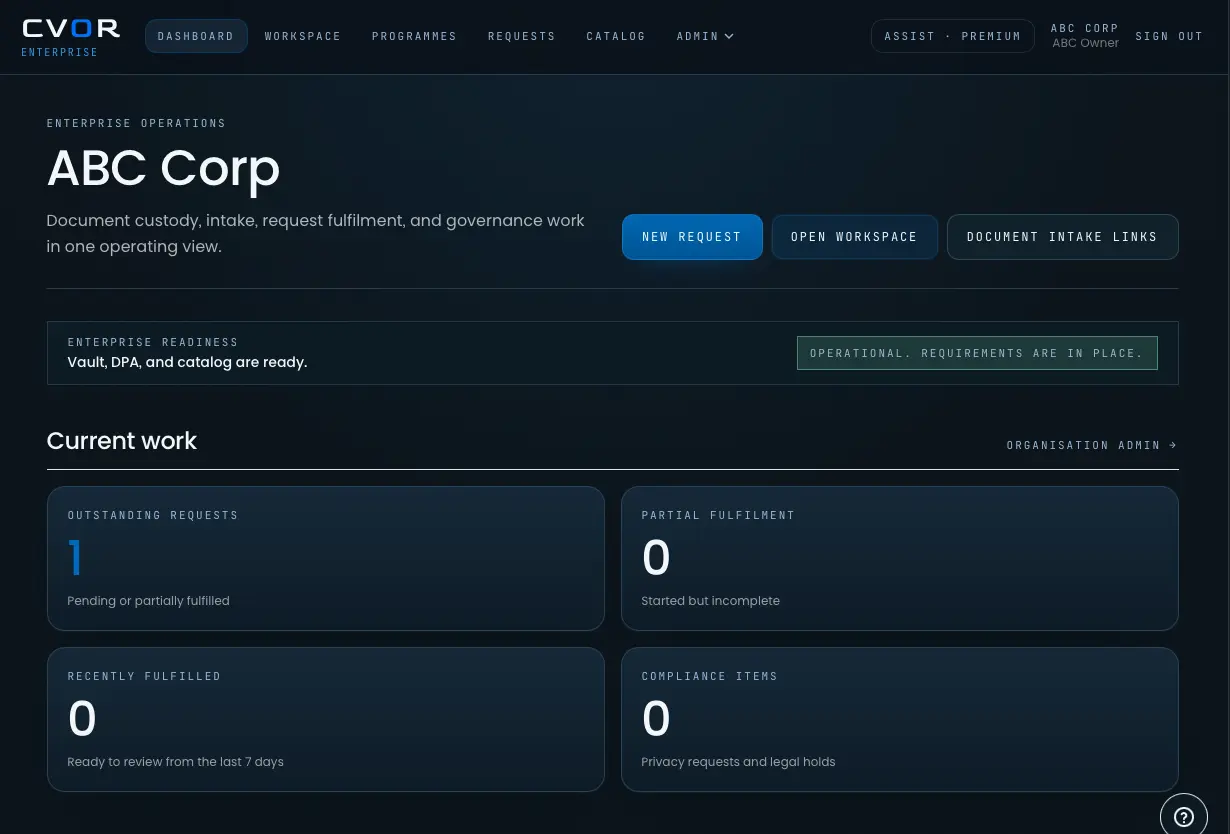
What CVOR governs
CVOR issues the request, sends the reminders, and checks what came back against what was asked for. Nobody keeps a spreadsheet of who still owes what.
14 Aug 09:12 reminder sent REQ-4471 system
Every document inherits a retention policy the moment it arrives, and the policy is what removes it. Deletion stops depending on whether anyone remembered.
15 Aug 02:00 deleted POLICY-RET-90 system
Uploads, views, shares and status changes are appended to a log that cannot be edited afterwards. When someone asks what happened to a document, the answer already exists.
14 Aug 11:07 accessed a3f9…d21 r.okafor
Access is scoped to an organisation, a role and a workflow. Anyone outside that scope does not see the document — and the attempt is recorded too.
14 Aug 11:41 access denied REQ-4468 t.hall
What teams gain
The governance argument is for the people who sign it off. This is the part the team actually notices.
Reminders go out on a schedule. Following someone up is no longer a person's job.
What comes back is checked against what was asked for, so gaps surface before review rather than during it.
There is one copy, in one place, and it is the one everybody works from.
Every request shows its state, so answering takes a look rather than a search through an inbox.
CVOR Assist
Document operations are repetitive, manual, and consequential. CVOR automates the administrative layer — sending structured requests, tracking submission status, assessing documents for completeness, and surfacing exceptions — so your team spends time on the work that actually requires human judgment.
Document request sent — J. Smith
SentSubmission received — Passport (ID_001)
CompleteCompleteness check passed
VerifiedFollow-up issued — Bank statement missing
PendingWhere it works
Every workflow that involves payroll records, identity documents, right-to-work evidence, or regulated client files.
Passports, visas, identity records
Client documents, case records
Right to work, employment documents
Claims evidence, policy records
Guest verification, identity collection
Tenancy, referencing, lease documents
Customer due diligence, CDD/EDD
Evaluate the workflow
FAQs
Short answers for teams evaluating secure document collection, governed custody, audit trails, and retention enforcement.
Governed document custody is the controlled handling of sensitive documents after they are requested or submitted. It combines encrypted storage, access control, audit trails, retention rules, and lifecycle governance so teams can show what happened to each document and why it is still being held.
Explore the platform ->Email can move documents, but it does not reliably govern forwarding, downloads, access history, retention, or deletion. For passports, payroll files, identity records, claims evidence, and regulated customer documents, organizations need a governed workflow rather than ordinary attachments.
Read why email and WhatsApp fail ->Organizations should collect sensitive documents through a workflow that defines the request, controls the upload path, limits access, records activity, and applies retention rules. CVOR provides that governed collection layer for teams that cannot leave sensitive records scattered across inboxes, chat tools, and shared folders.
Review security and governance ->CVOR supports workflows involving passports, visas, right-to-work evidence, client records, claims evidence, guest IDs, tenant documents, and KYC records. Common use cases include immigration, legal intake, HR onboarding, insurance, hospitality, property, and customer due diligence.
Review document collection use cases ->Shared drives and generic portals can store or receive files. CVOR governs the document exchange itself: the request, submission, access history, review activity, retention policy, and lifecycle events around sensitive records.
Compare CVOR with common alternatives ->Yes. CVOR is designed to record request, upload, access, review, and lifecycle events, then support policy-driven retention controls. This helps compliance, legal, operations, and security teams answer what happened to a document and whether it should still be retained.
Review audit and retention controls ->We'll map your existing document process and show where governance, automation and auditability remove operational risk.